Install iMPlayer
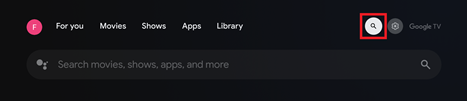
From the home screen choose Search
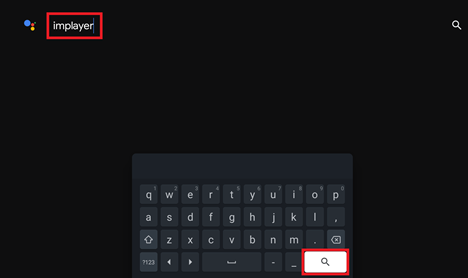
Now type implayer using the onscreen keyboard and click Search
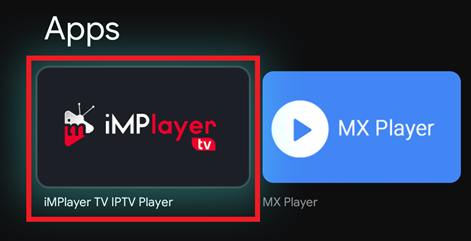
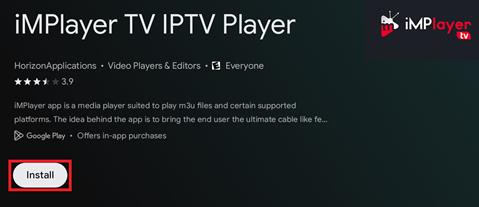
Select iMPlayer TV IPTV Player
Click Install
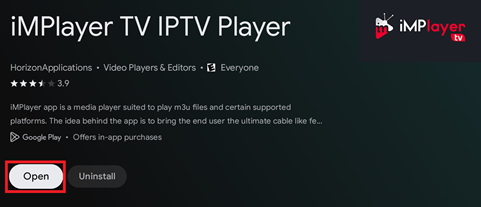
Click Open
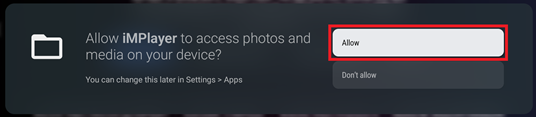
Choose Allow for access to photos and media
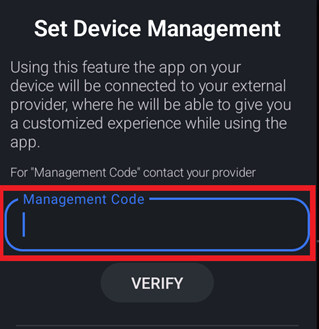
Once the app is opened, choose MANAGEMENT CODE
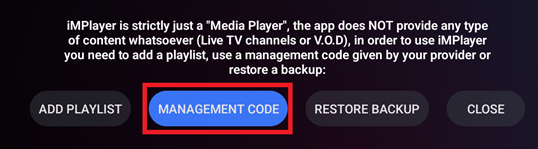
I will provide a management code that you will type in this box
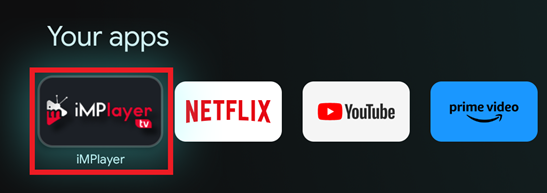
Click the home button on the remote and press down to go to Your apps.
Press Right until you get to the last app which will be iMPlayer
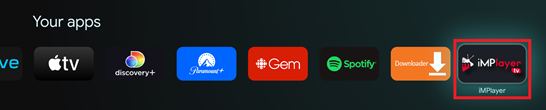
If you don’t see it in the list choose See all

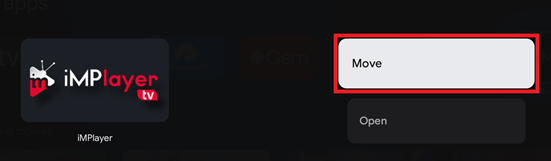
While hovering on iMPlayer, Long press the select button and choose Move
With the directional pad move it until it is the first app in the list and hit select
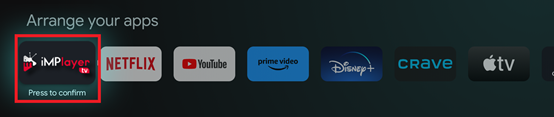
Press Home on the remote and now iMPlayer will be the first app under Your apps section